How to replace an In-Cell screen the correct way?

In this blog post we will discuss tell you about the incorrect installation and handling of In-Cell displays.
Installing a display sometimes may be tricky, even for the most experienced technician. With all the new technologies and different screen types (In-cell, OLED soft, OLED hard, etc) it can get a bit confusing, especially when handling LCD or In-Cell displays, which are known to be the most fragile and easy to break.
Now, you will learn with us the correct way of handling and installing an LCD screen, so that you can prevent installation damages, and consequently, warranty issues. To exemplify the correct process, we will use an iPhone X JK In-Cell Screen, but the principles apply the same to all displays.
Easily damaged parts
The most fragile parts of an LCD screen are the corners, the bottom edge and the flex cable.
- Corners can’t be pressured, because they are easy to break.
- Don’t apply pressure to the bottom edge as it is easy to break.
- Don’t pull the flex cables. Don’t rub or apply pressure to flex contacts. Slightly press only when in correct position to install. One small damage in the flex is enough for the screen to be permanently damaged.
- Before applying, it’s recommended to remove the blue protective film from the screen.

Wrong way to hold the LCD
Don’t hold the LCD from the easily damaged parts, this is what causes breaking.

The Correct method
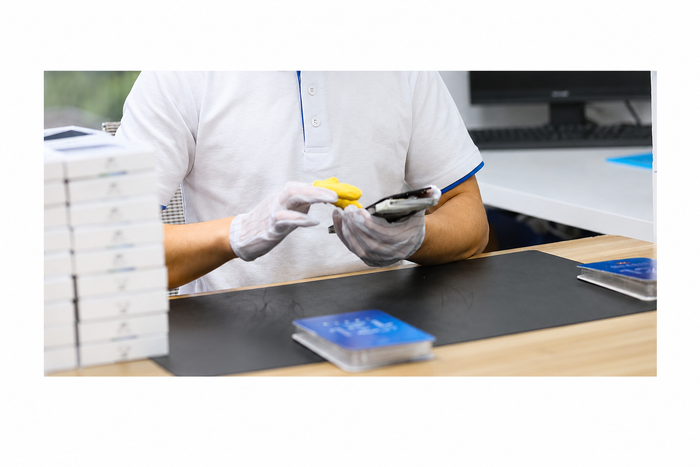
The correct way to handle and install the LCD screen is by holding it by the laterals, avoiding pressure in the corners and without pulling the flex cable.
REMEMBER: Always check and test the product before installation.

Remember that we are now a JK Digital Display authorized distributor. Check our JK Display stock, here.